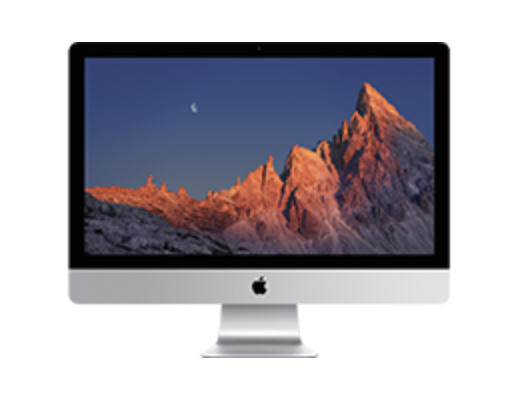
Specs
3.2 GHz Core i5 (I5-6500)
Retina 5K, Late 2015
https://support.apple.com/en-ca/112035
Copying Data From Old to New HD
Attach the SSD drive to your Mac using a USB to SATA adapter.
Using DiskUtils, format the new SSD drive as APFS with GUID Partition Map.
Clone the old drive to the SSD using Carbon Copy Cloner - https://bombich.com.
Replacing HDD with SSD
Parts
Instructions
| Reference | URL |
|---|---|
| iMac A1419 (27-inch Retina 5K) SSD Upgrade | https://www.youtube.com/watch?v=sOcYsg3iA18 |
| iMac 27" Late 2015 A1419 4K - SLOW Fusion hard drive replacement with new internal SSD, MUCH FASTER! | https://www.youtube.com/watch?v=vzhjGV-ULMk |
| How To: Replace the Hard Drive in your 27" iMac (Late 2012) | https://www.youtube.com/watch?v=ZbnhuZoxkI8&t=5s |