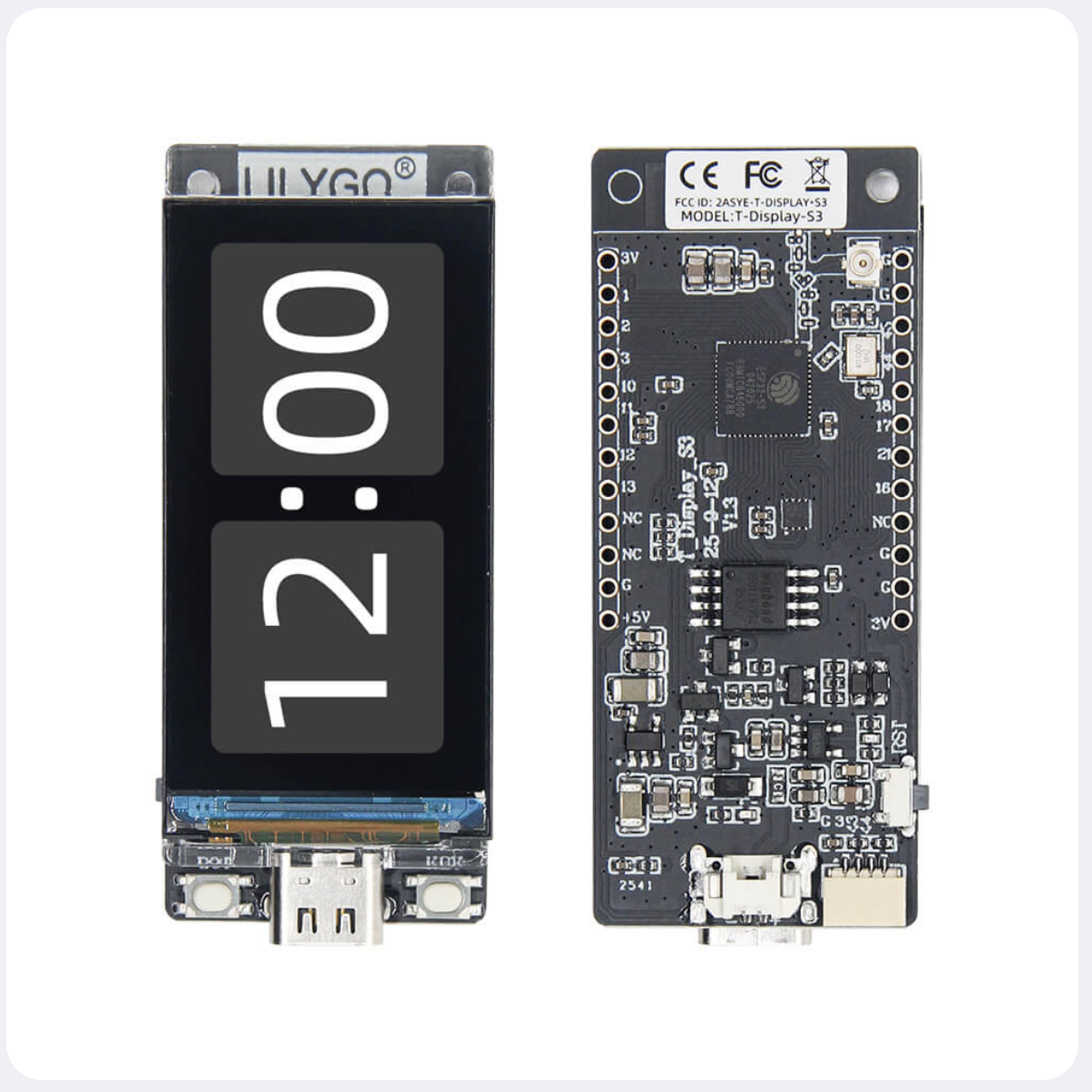
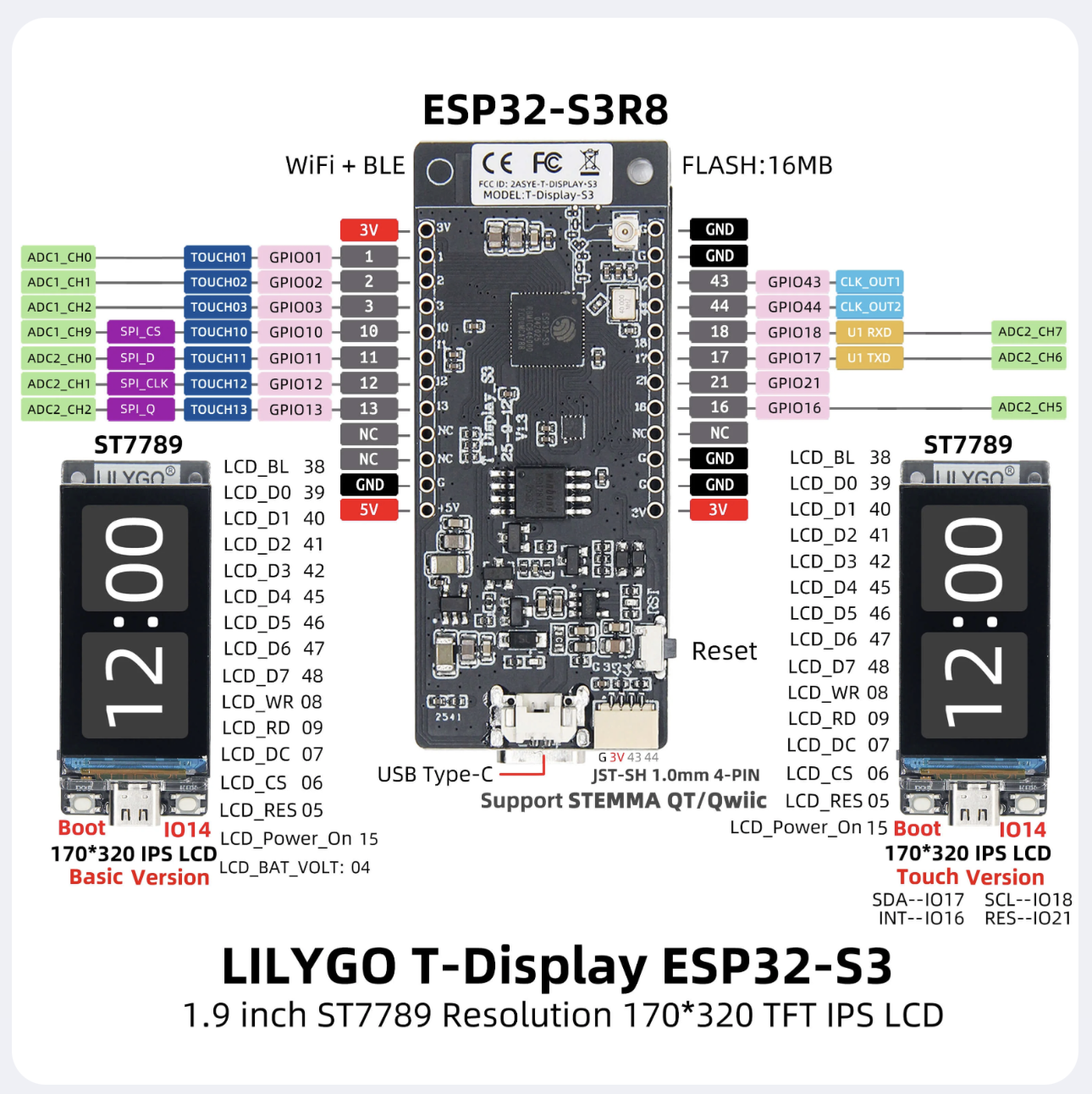
Notes
TFT_eSPI does not work on versions higher than 2.0.14
| Arduino IDE Setting | Value |
|---|---|
| Board | ESP32S3 Dev Module |
| Port | Your port |
| USB CDC On Boot | Enable |
| CPU Frequency | 240MHZ(WiFi) |
| Core Debug Level | None |
| USB DFU On Boot | Disable |
| Erase All Flash Before Sketch Upload | Disable |
| Events Run On | Core1 |
| Flash Mode | QIO 80MHZ |
| Flash Size | 16MB(128Mb) |
| Arduino Runs On | Core1 |
| USB Firmware MSC On Boot | Disable |
| Partition Scheme | 16M Flash(3M APP/9.9MB FATFS) |
| PSRAM | OPI PSRAM |
| Upload Mode | UART0/Hardware CDC |
| Upload Speed | 921600 |
| USB Mode | CDC and JTAG |
The options in bold are required, others are selected according to actual conditions.
You can also choose LilyGo T-Display-S3 as the board, but the partition table is fixed to 16M Flash (3M APP/9.9MB FATFS)
FAQ
The screen does not light up when using battery?
When T-Display-S3 is powered by battery, GPIO15 must be set to HIGH to turn on the backlight.
Please add the following two lines at the beginning of the setup
void setup(){
   //Turn on display power
   pinMode(15, OUTPUT);
   digitalWrite(15, HIGH);
}
References
| Reference | URL |
|---|---|
| Github | https://github.com/Xinyuan-LilyGO/T-Display-S3 |
| Product Page | https://lilygo.cc/products/t-display-s3?variant=42589373268149 |
| Is this Best ESP32 board? New T-Display S3 ESP32S3 | https://www.youtube.com/watch?v=j8THAc1sMww |
| T-Display S3 - How to install in Arduino IDE | https://www.youtube.com/watch?v=gpyeMjM9cOU&t=204s |