Shortcut Keys
IntelliJ Mac Cheatsheet: https://resources.jetbrains.com/assets/products/intellij-idea/IntelliJIDEA_ReferenceCard_mac.pdf
Helpful Commands
Key Command | How to access | Command/Screen |
|---|---|---|
| Shift, Shift | Search everywhere | |
| CMD Shift F | Menu → Edit → Find → Find in Path | Find in path |
| CMD - <click on method> | Go to usage or open dialog with usages | |
| CMD - b | Right Mouse Click → Goto → Declaration | Go to declaration |
| Shift CMD F8 | Breakpoints | |
| ALT Enter | Add Import (click on class to import and hit ALT-Enter) | |
| CMD / | Comment out line(s) | |
| F1 | Java Doc | |
| CMD - n | Menu → Code → Generate | Generate - generate getters/setters, etc.. |
| CTRL - o | Menu → Code → Override Methods | Override Methods |
| CTRL - i | Implement Methods | |
| CTRL-ALT-o | Menu → Code → Optimize Imports | Optimize Imports |
| CMD [ | Menu → Navigate → Back | Back |
| CMD ] | Menu → Navigate → Forward | Forward |
| CMD - z | Menu → Edit → Undo | Undo |
| CMD - Shift - z | Menu → Edit → Redo | Redo |
| CMD - Down Arrow | Right Mouse (on project/module) → "Open Module Settings" | Module Settings: specify source folders, paths and dependencies. |
| NA | Right Mouse→Git → History | Git History |
| NA | Right Mouse → Git → Annotations | Git Annotations - see who changed what line in file. |
| ALT - F7 | Right Mouse - Find Usages | Show Usages - show what classes use this class. |
Settings
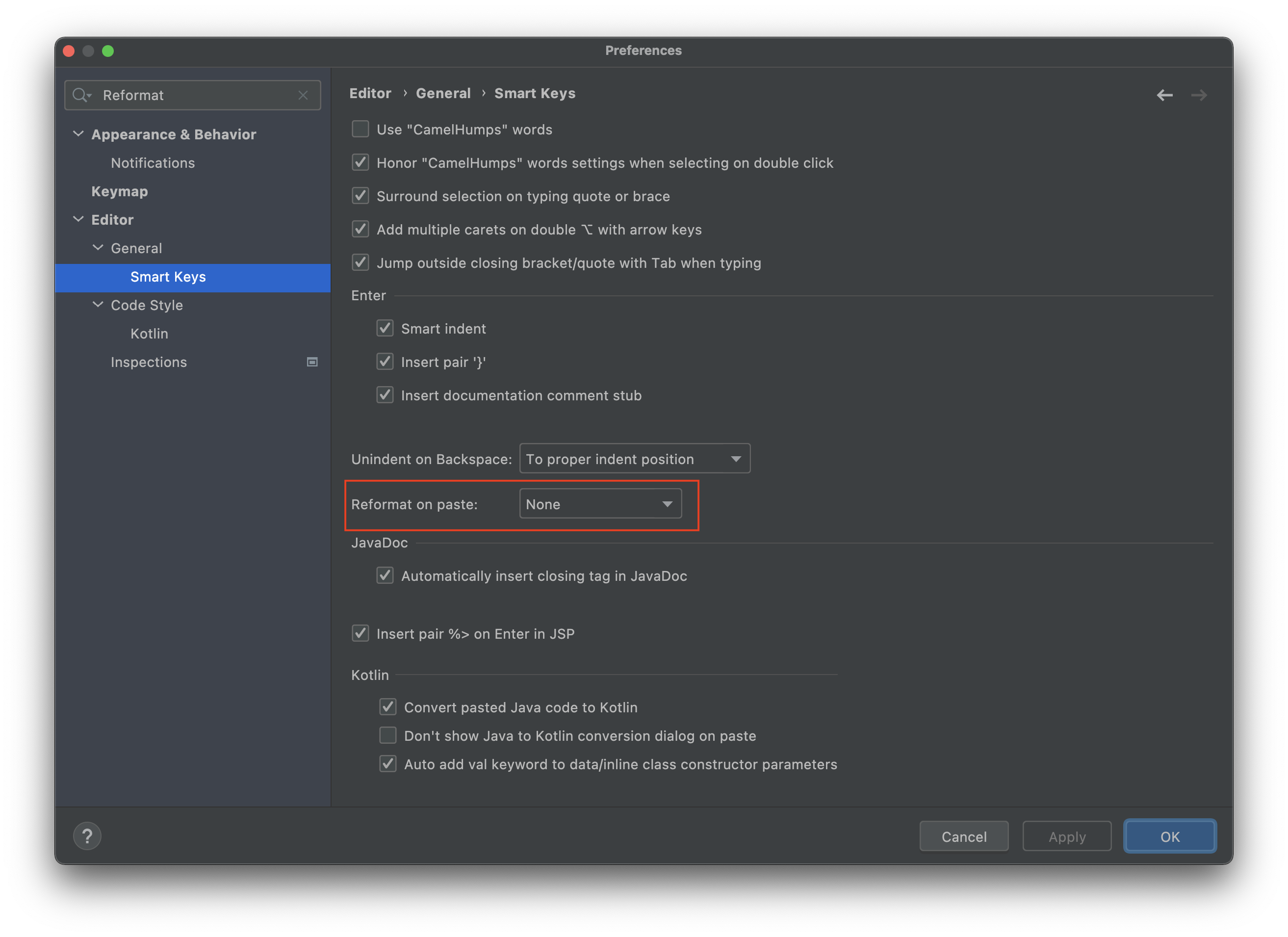
Disable Reformat on Paste
Clear Cache
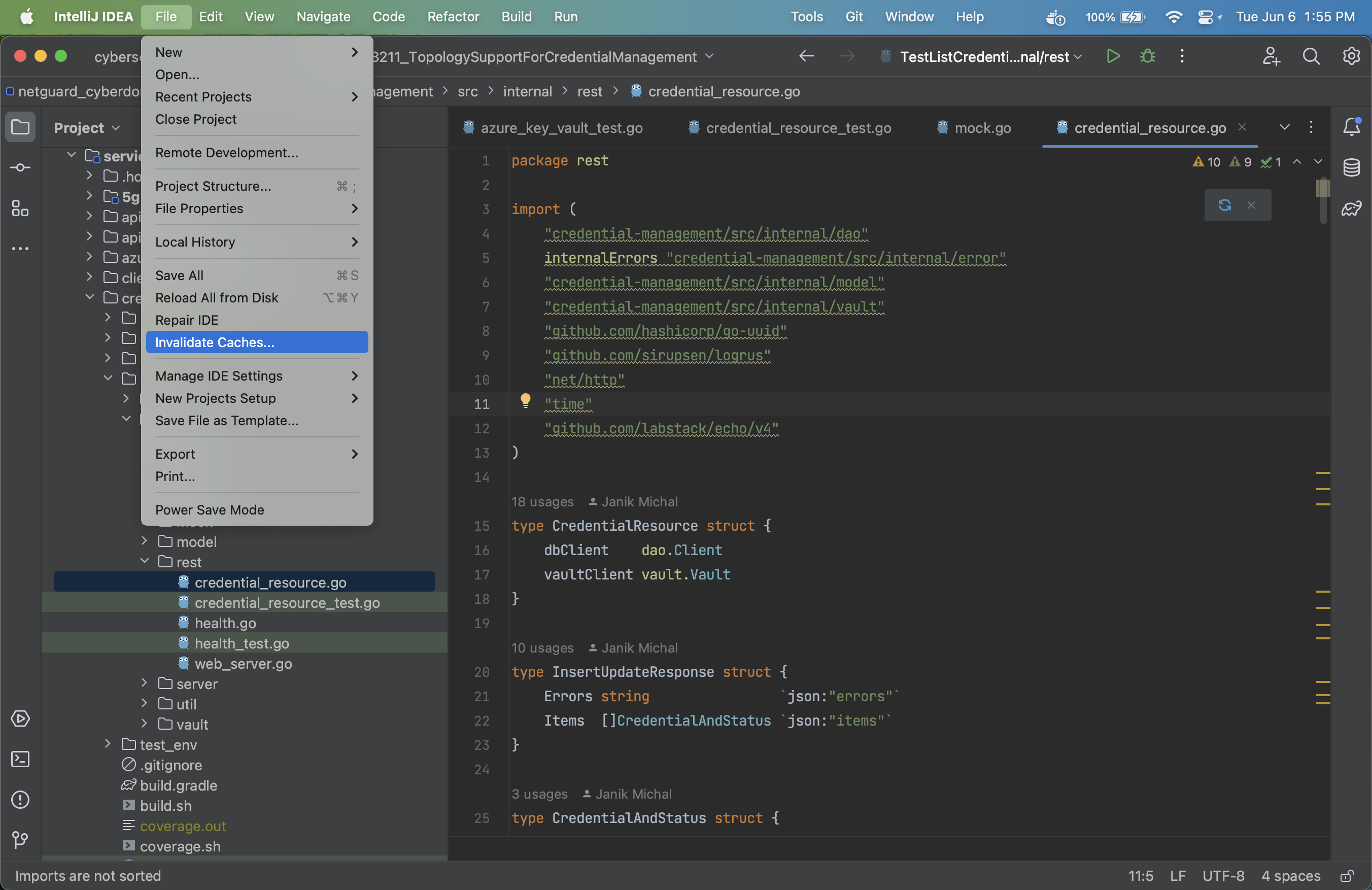
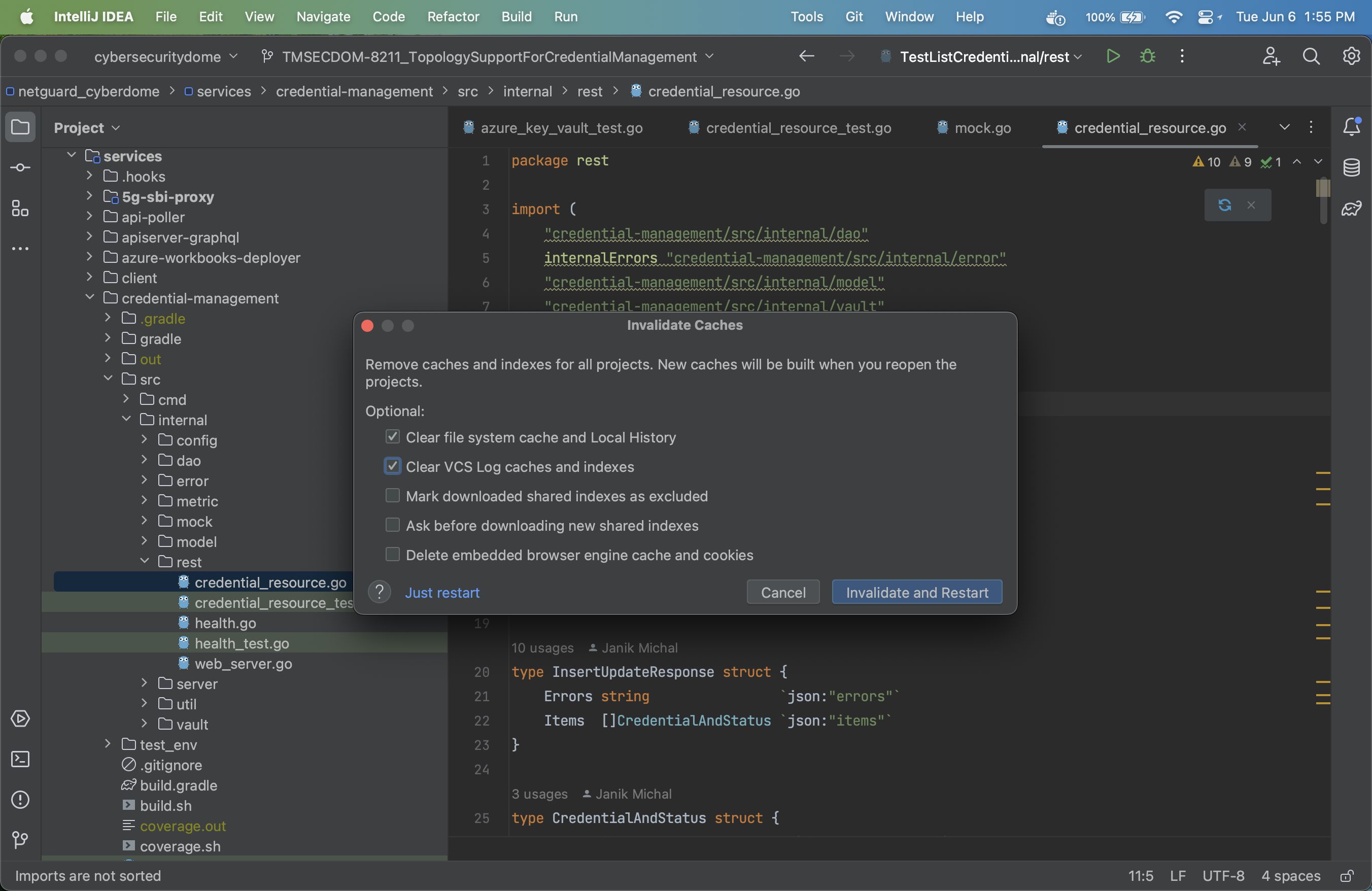
If you get funny behaviour in your IDE, you can invalid the cache!